Fix camera perspective and other polish for openscad viewer #238

Reference in New Issue
Block a user
Delete Branch "kurt/237"
Deleting a branch is permanent. Although the deleted branch may continue to exist for a short time before it actually gets removed, it CANNOT be undone in most cases. Continue?
Yup gone.
I wasn't too keen on this, but I added it and yeah, I like it. 🥇
Yes, so this is whole topic that I might see if openscad folks have any insight into, the main thing that made it look bad was the fov is different between the two. so I've set the three.js fov to match openscad default fov and it looks good (though in the latest openscad it's possible to change the fov in code with which might cause headaches). One thing I can't get working is when you "move the shape" with right click, they axis and the shape no long line up. This seems like a simple matter of scale. I experimented with a number of things, the thing I had most luck with was changing the openscad camera distance to something very low (this line )
--camera=${px},${py},${pz},${rx},${ry},${rz},300the last number currently 300, if I change that something very low, like 5 or less, than the moving situation becomes much better (not perfect but better), but making that very low also seems to change the (not sure of the right term) clipping distance, as in the distance at which the objects are out of sight of the camera, so it's not practical to have it that low.There might not be a solution since we're really pushing openscad outside of its normal use. But maybe there's something we can do the three.js side too, some scaling factor?
Other things I've done.
https://user-images.githubusercontent.com/29681384/110915333-9a654700-836b-11eb-83e5-29cdd7bb83df.mov
With the polish I've been doing I'm a bit concerned I'm designing in code, without having thought about what it should look like prior to. It might be a good idea to take a break and give that a proper thing (not that it can't be changed later). Maybe I should be more concerned with getting a MVP working 🤷
One simple design choice is what color scheme do we want for the openscad output? lol
Tomorrow night
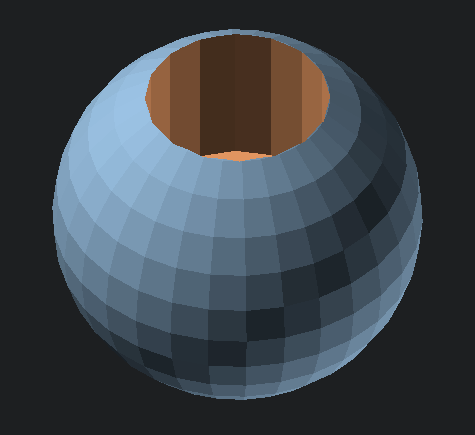
Tomorrow
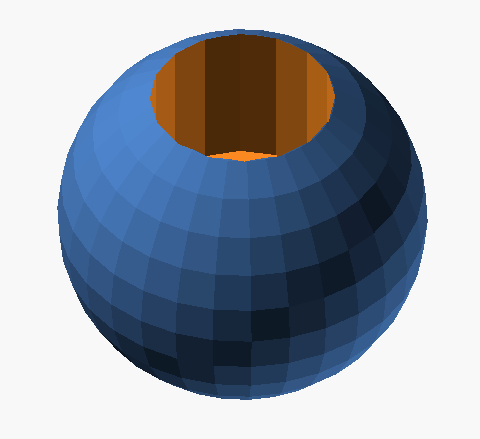
Solarized
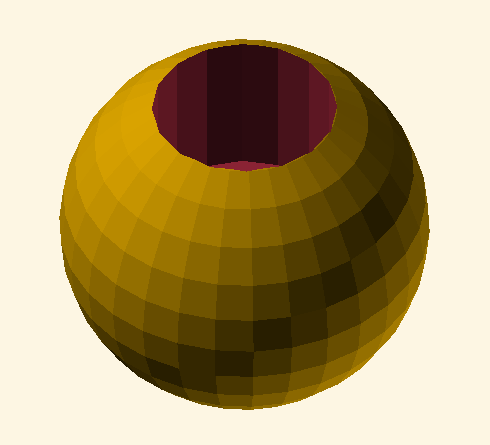
DeepOcean
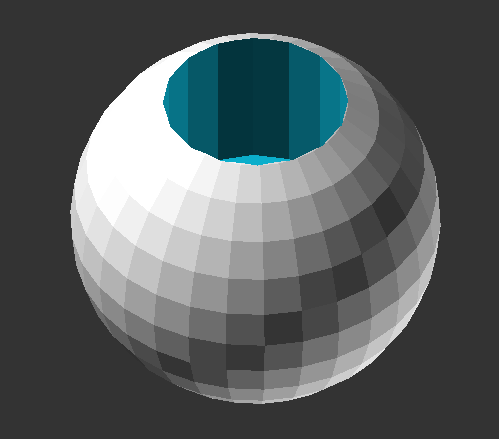
Nature
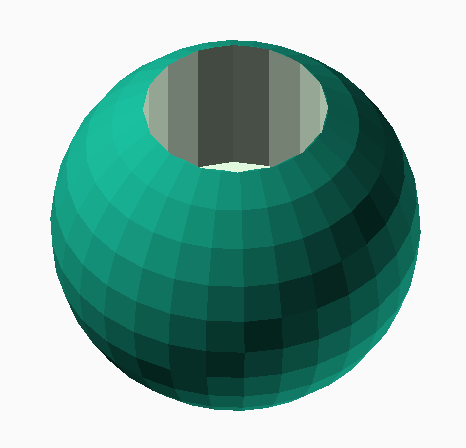
BeforeDawn
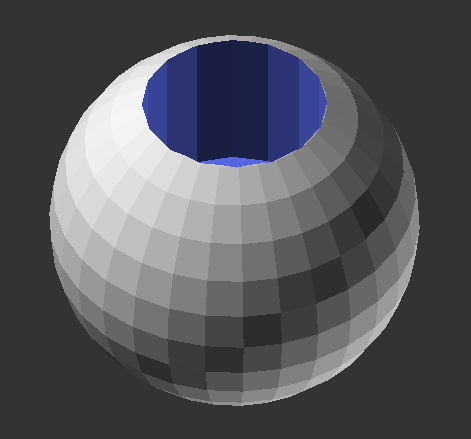
Starnight
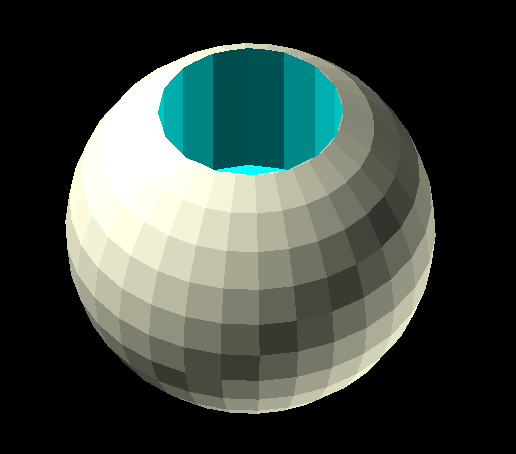
Sunset
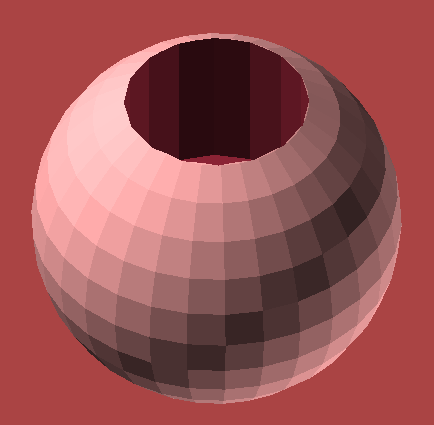
Metalic
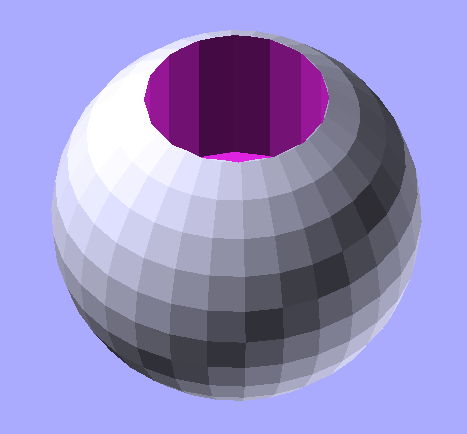
Cornfield
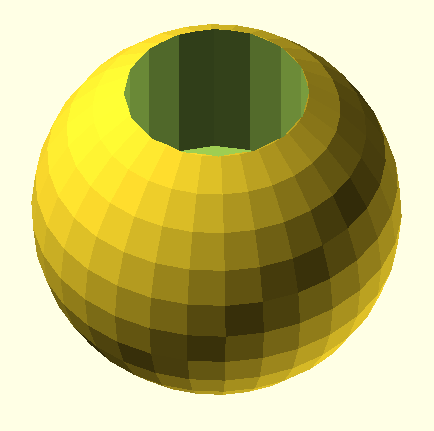
resolves #237
https://user-images.githubusercontent.com/23481541/111018701-55034280-8388-11eb-85c1-b04c4a7ebc0b.mp4
I commented in with a question about a possible addition and one review comment about a change, but they´re minor if you want to merge.
It looks like you don't need this "opacity-" right?
Are you interested in using these colors for the brand?
Oh nice this is CAD package-agnostic I like that.
Oh yup 100% thanks for pointing this out.
Yeah that sounds great. I didn't change anything now but we can circle back and changes these soon.
Would you like to change the axis colors along with the sphere at the base of the axes?
Yup sweet, I've added deepOcean for now and changed the default script to add a
differenceso that some of the cut colour is present.