Theme OpenSCAD preview image with CadHub colors. #365

Reference in New Issue
Block a user
Delete Branch "%!s()"
Deleting a branch is permanent. Although the deleted branch may continue to exist for a short time before it actually gets removed, it CANNOT be undone in most cases. Continue?
@franknoirot dug up this gem
http://forum.openscad.org/Setting-transparent-background-td18272.html
and I've experimented and got something working locally the following is the DeepOcean theme with a bluer background (
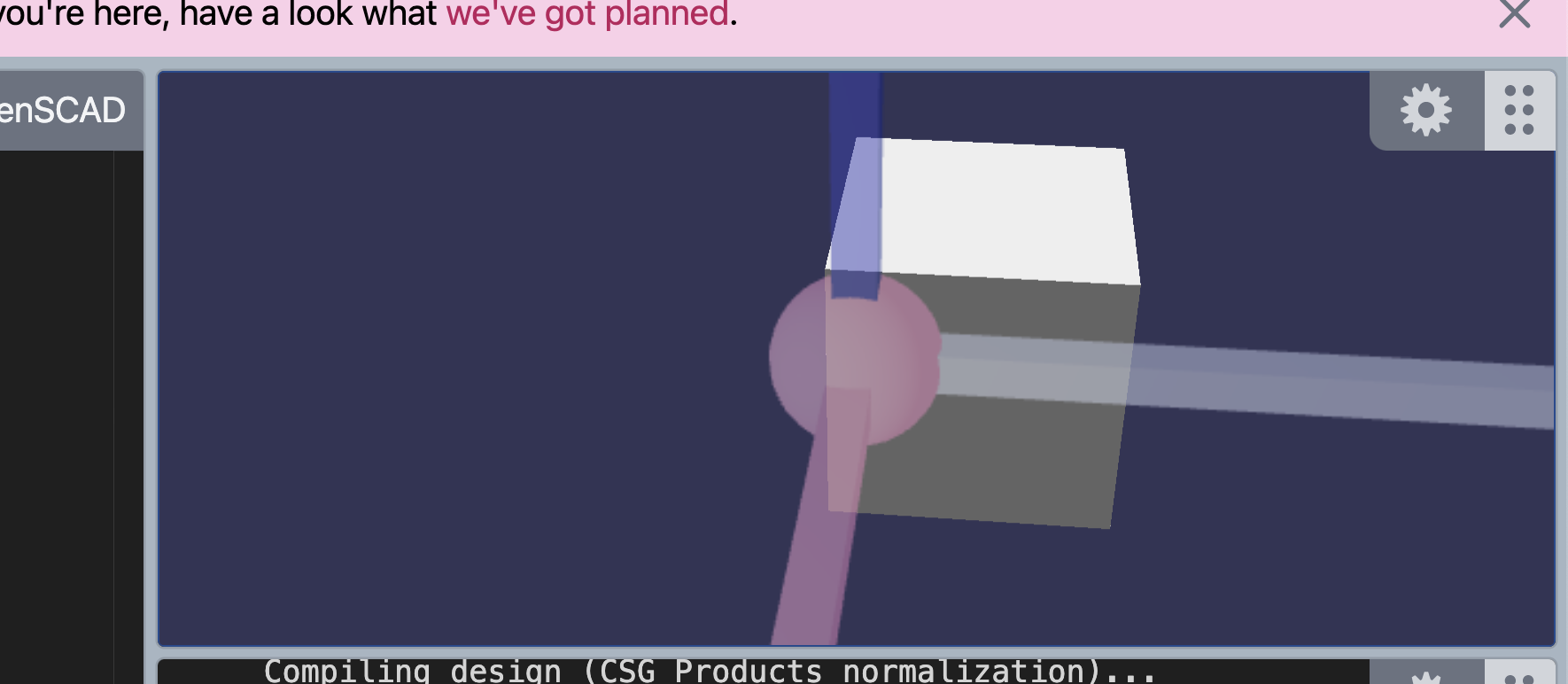
#333355instead of#333333)The background is the primary concern, but we could change all the colors if we wanted.
I'll make a PR when we have colors in mind, now I'll just list the changes needed to be made here.
app/api/src/docker/openscad/cadhubtheme.jsonfileadd the following line to
app/api/src/docker/openscad/DockerfileCOPY openscad/cadhubtheme.json /usr/share/openscad/color-schemes/render/Change
--colorscheme DeepOceanto--colorscheme CadHubinapp/api/src/docker/openscad/runScad.jsnote the name is base of the name in the JSON not the name of the JSON file.
Theming for the editor shouldn't be too hard for two reasons, 1) you can base it of another theme and modify it, 2) you can use their dev tools by hitting
F1then pulling upDeveloper: Inspect Tokensto figure out what tokens you want to change.Here's some stuff I was playing with at https://microsoft.github.io/monaco-editor/playground.html#customizing-the-appearence-exposed-colors
Love it! I don't know why I can't get your code to work in there; whatever I did appears to not recognize the Python comment syntax for some reason.
False alarm I got myself sorted out, I had left the
language: "text/plain"in there by accident.Alright @Irev-Dev I just tweaked the colors a bit from those top nav colors because they were vibrating a bit to my eyes when directly on that dark background, and added a
foregroundattribute to get the default text color matching. Does that look alright to you?@franknoirot Yup looks good. I'll get a PR up soon